Pixel-perfect frames at exact store sizes
Five cohesive slides at exact App Store dimensions. Add the matching iPad set in one click — it mirrors your iPhone slides, frame for frame.
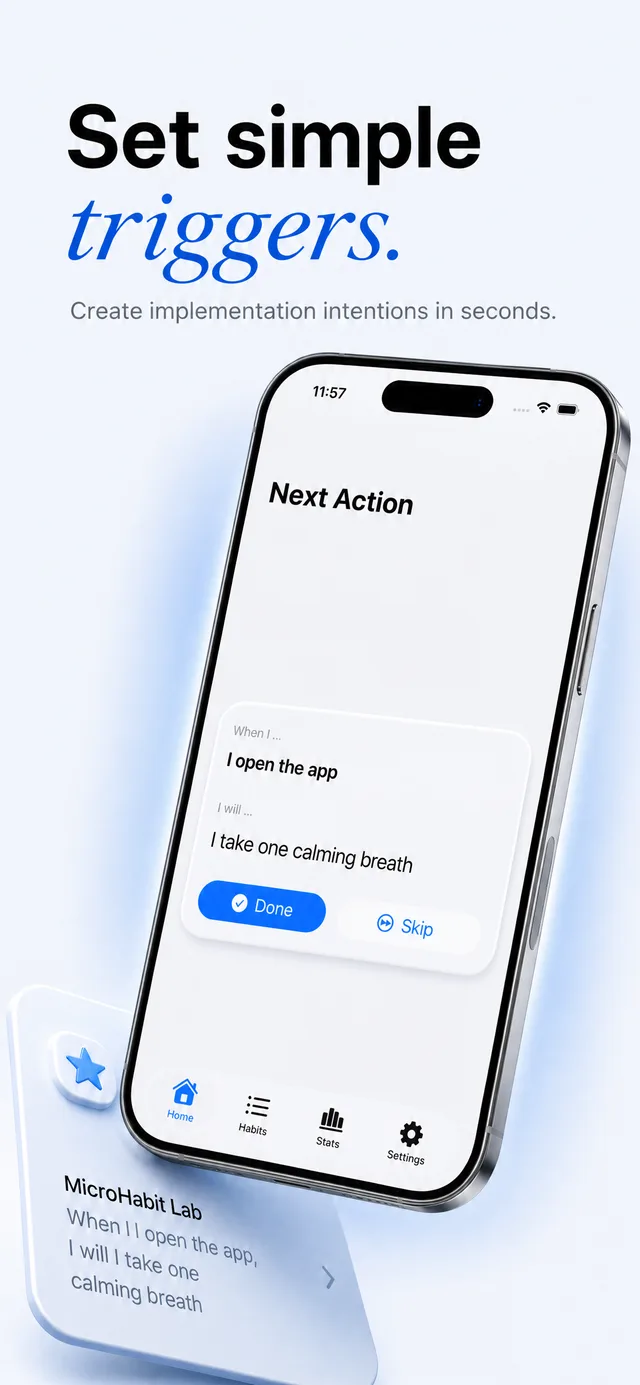
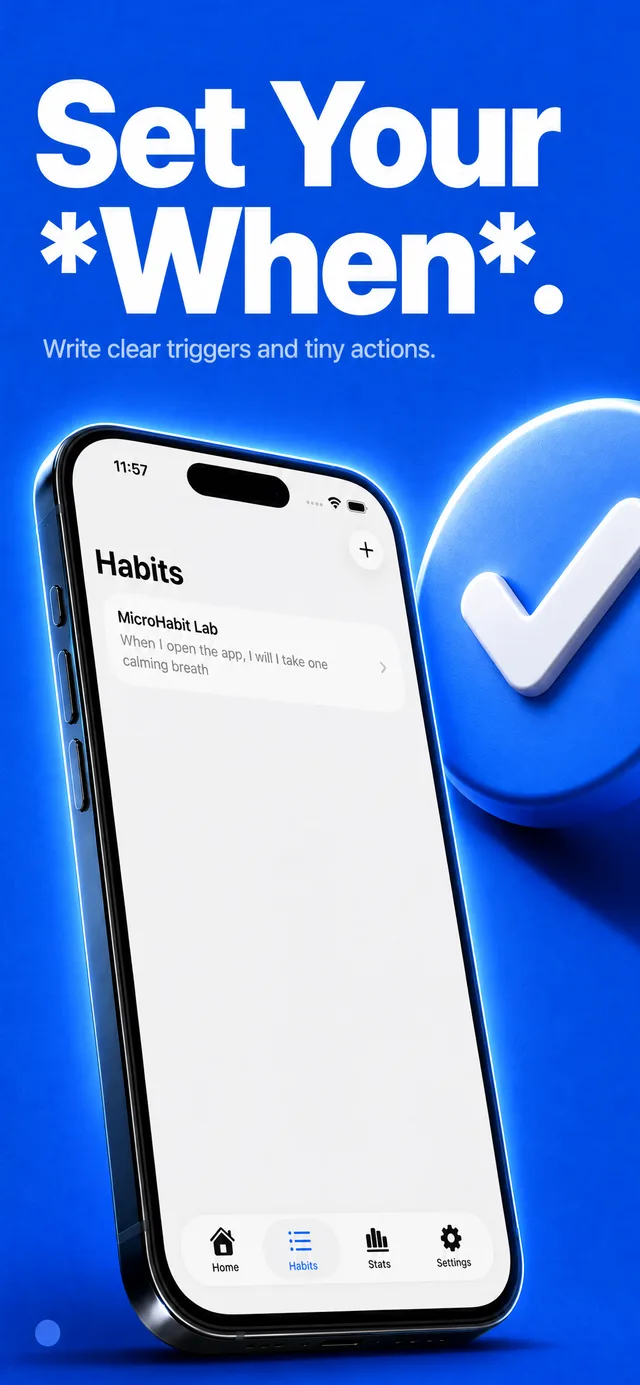
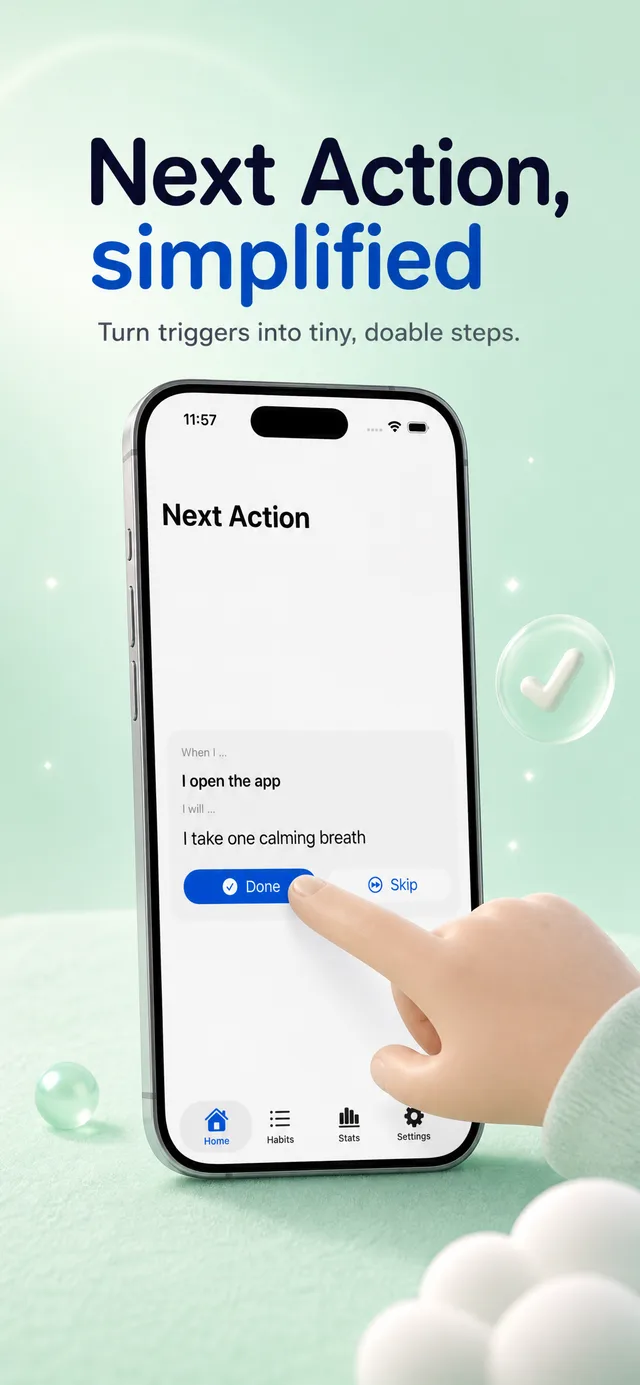
Upload your real app screenshots and get a full set of store-ready marketing slides in minutes. Device frames, headlines, and styling, handled.
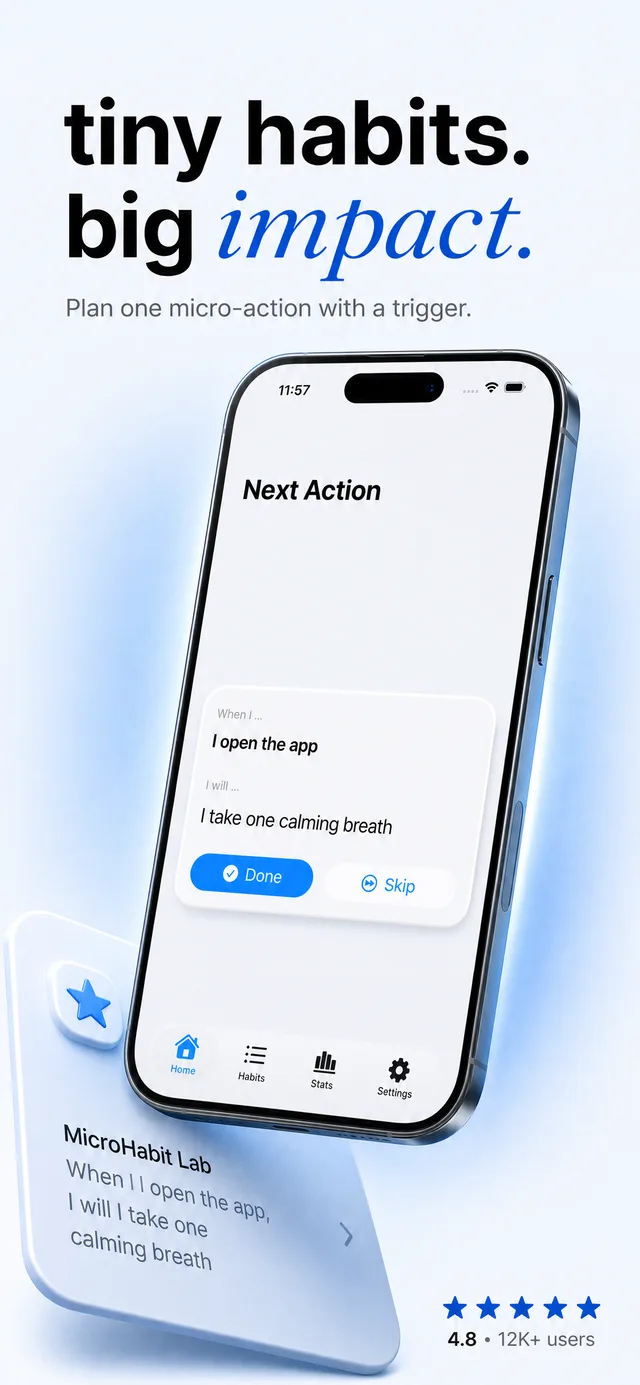

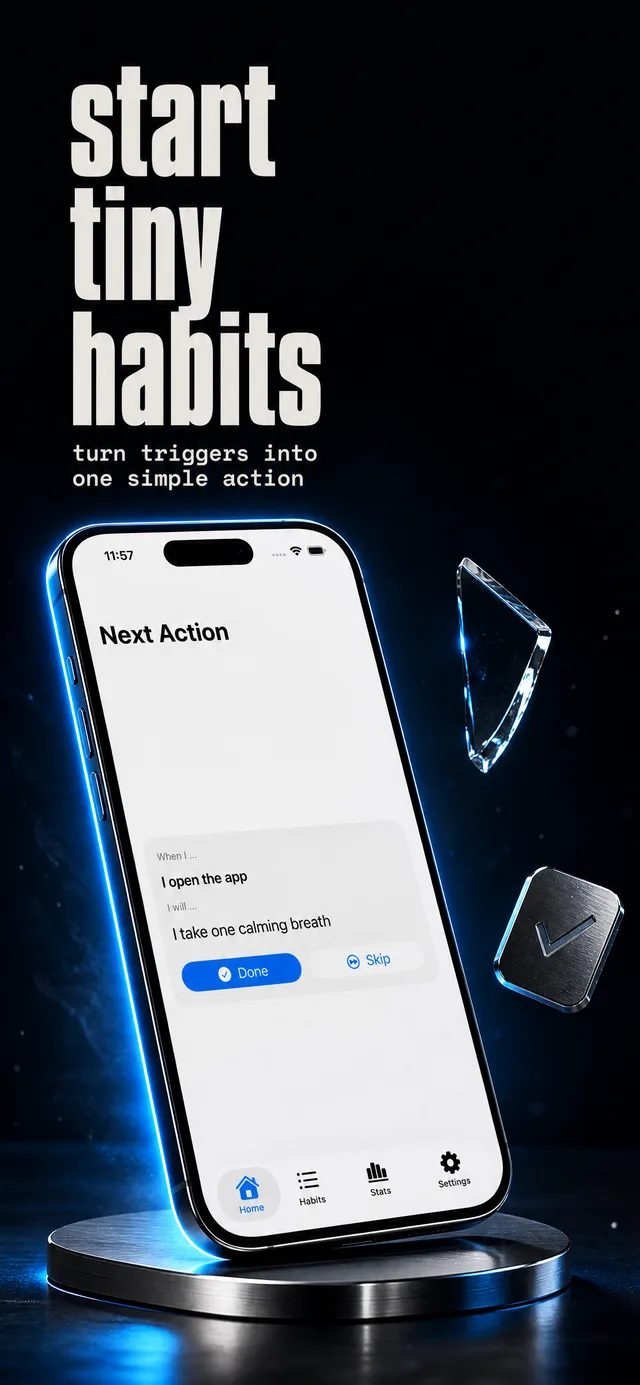
Works with screenshots from any stack — no SDK, no integration


No design file to babysit. Scroll to watch the whole flow.
Drop in a few real screens from your app, plus its name and what it does. AppSnaps reads them, samples your colors, and drafts headlines that fit.
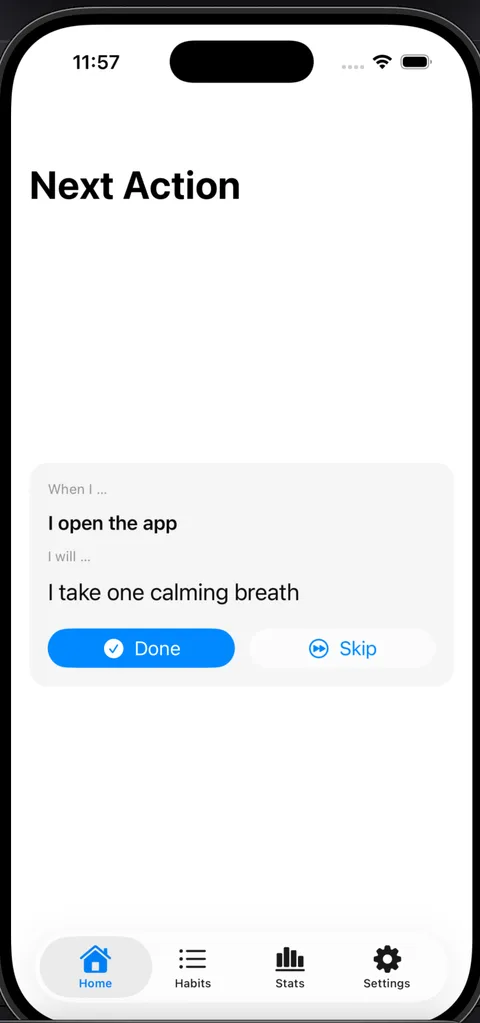
Choose one of 11 styles — or let the AI pick — and the whole set inherits the type, gradients, and device frames. Edit one headline and the rest stay in rhythm.
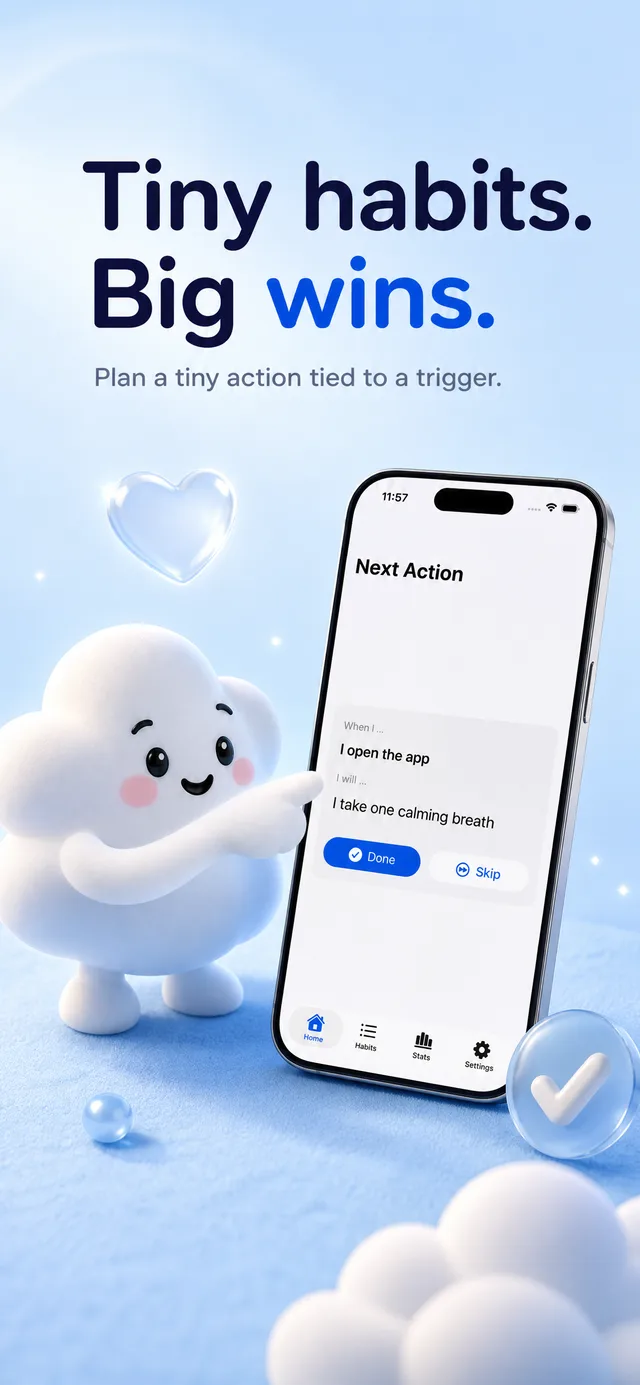
Render every required App Store size at once — iPhone and iPad — named exactly how App Store Connect expects.
6.7″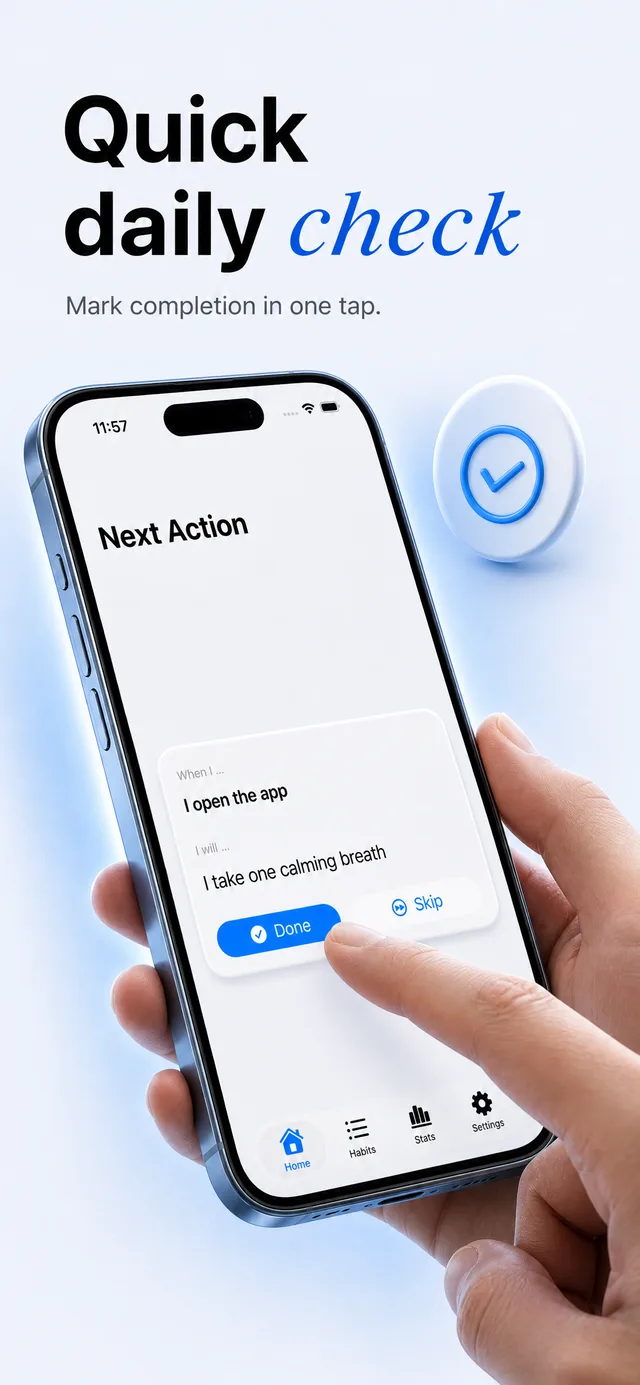 6.1″
6.1″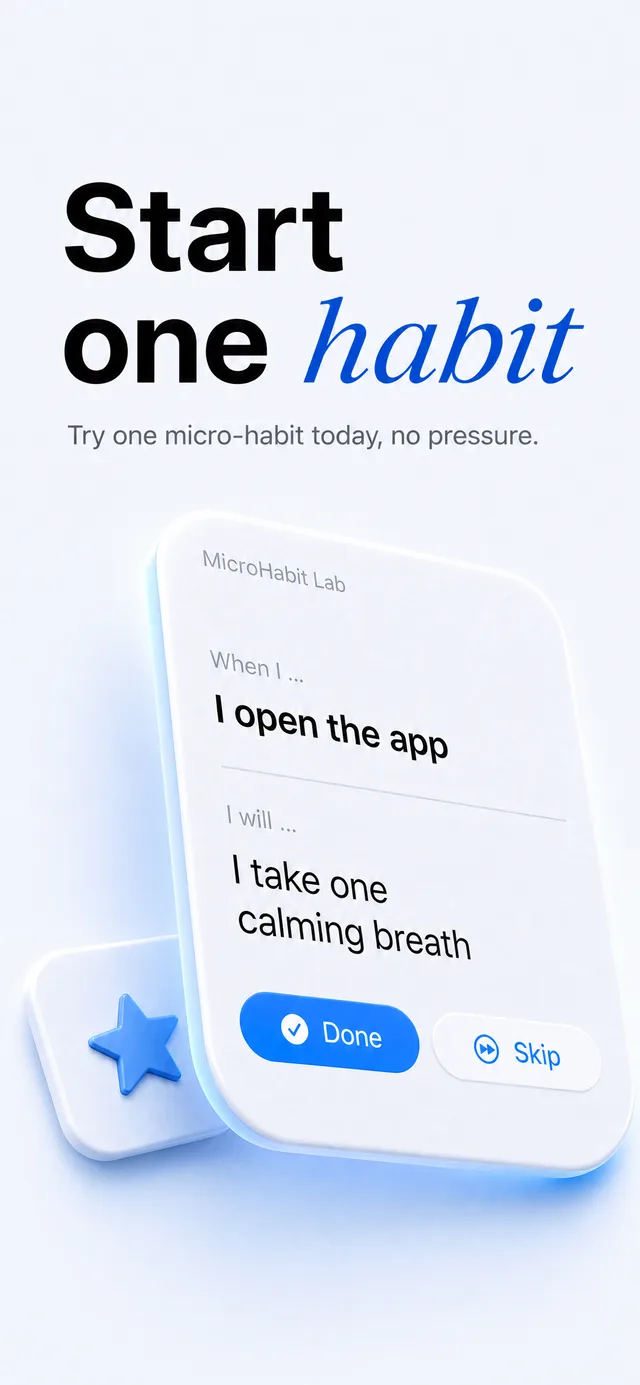 iPad
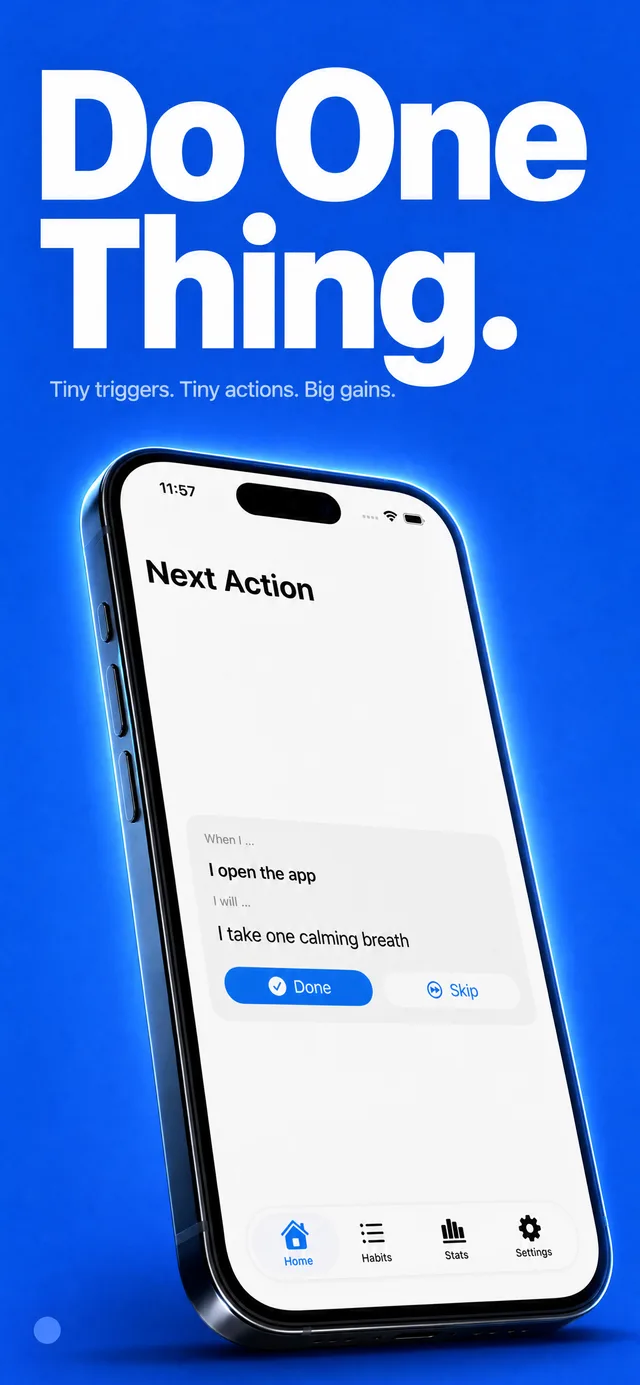
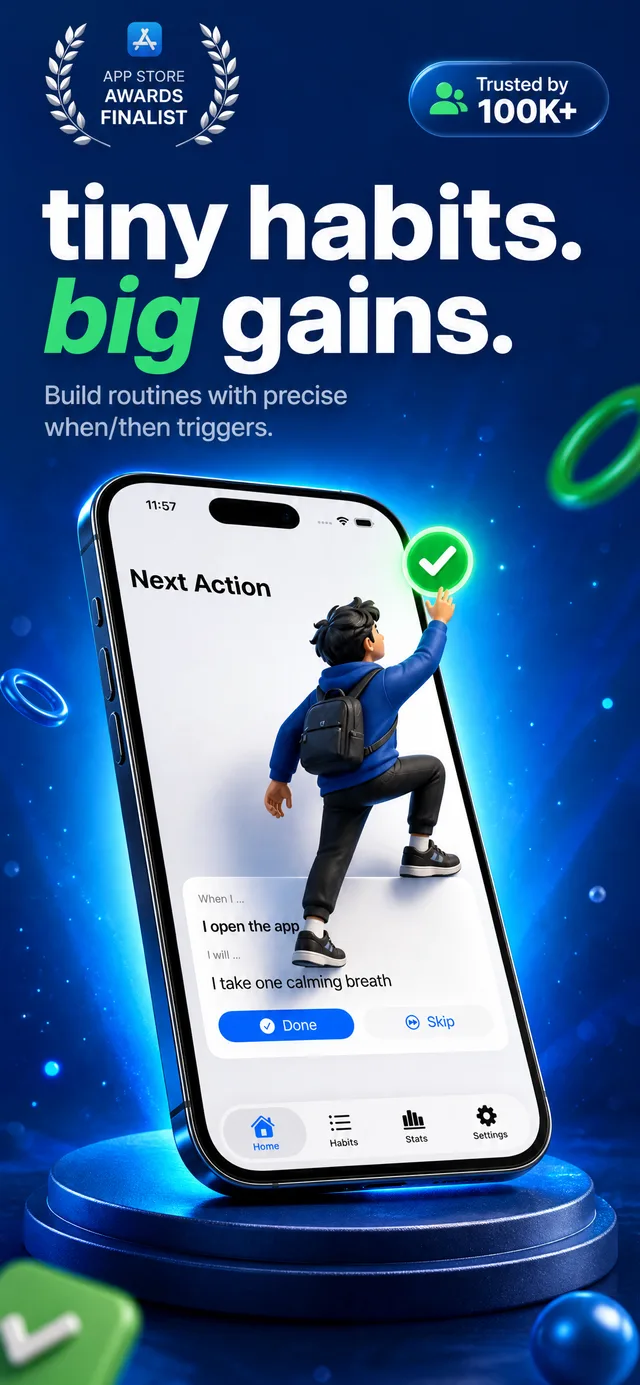
iPadFrom calm Editorial to loud Hard Sell — each style sets the type, gradients, and mood for the whole set. Keep scrolling to flip through a few.
Not sure which style fits?
Leave it on AI’s choice. The analyzer reads your app and picks the style that suits it.
The slow, repetitive parts of store creative, automated — so you can refresh your listing the same day you ship the build.
Five cohesive slides at exact App Store dimensions. Add the matching iPad set in one click — it mirrors your iPhone slides, frame for frame.
Vision AI samples your real screens and colors, then writes headlines that match what your app actually does.
From calm Editorial to bold 3D and Hard Sell. Pick a look, or let the analyzer choose the one that fits.
Type scales to each headline, so a long line reads as cleanly as a short one — no clipping, no manual nudging.
One render, correctly named and sized for the App Store. Drag the folder straight into App Store Connect.
AppSnaps is also an MCP server. Connect Claude Code, Cursor, or Codex, and your agent reads your app, uploads the screens, and drops the finished set straight into your repo — without you opening a browser.
$ claude mcp add --transport http -s user appsnaps https://appsnaps.io/mcp
> generate the App Store screenshots for this app
✓ 5 slides → ./app-store/iphone/
Less time wrangling Figma frames, more time shipping the actual app. One credit turns your screens into a full set.
5
slides
per generation, store-ready
11
styles
plus 6 layout archetypes
~2 min
per set
from upload to export
2
devices
iPhone and iPad, App Store ready
Ship a listing that looks like a marketing team made it — without hiring one.
Solo devs
New build out Friday? New screenshots Friday. No design slot required.
Release week
Changed your UI? Re-upload the new screens and re-render the whole set in one generation.
Redesigns
The app you shipped at 2am deserves better than raw simulator screenshots.
Side projects
Try a second style on the same screens and swap your listing the same afternoon — keep whichever performs.
Store experiments
Sign up free, grab a one-shot from $2.99 — no subscription required. Your full set is ready before your coffee is.